
Create Motion Graphics
with After Effects & Chromaport
Access Adobe After Effects remotely from your workstation and continue creating animations, visual effects, and compositions from laptops, tablets, and other devices with responsive controls and low-latency streaming.
Build Visual Effects from Your Remote Studio
Keep your After Effects setup, plugins, fonts, and compositions on your main workstation while controlling your creative projects through Chromaport.
Motion Design
Create animations, titles, transitions, and visual elements.
VFX Compositing
Work with layers, effects, masks, and tracking tools.
GPU Acceleration
Use your workstation hardware for previews and rendering.
Creative Workflow
Keep plugins, assets, and project files together.
Start Creating in After Effects Quickly
Install After Effects on Your Workstation
Set up Adobe After Effects on your main PC with your existing plugins, fonts, templates, scripts, and project files.
Add After Effects to your Chromaport application library and make your creative workstation accessible remotely.


Animate and Preview Remotely
Launch After Effects through Chromaport and connect to your workstation. Your compositions, layers, and effects are ready without moving project files.
- ✓ Real-time composition editing
- ✓ Access all project assets
- ✓ Keep your existing setup

Motion Design Without Compromises
Keep your complete Adobe After Effects environment on your workstation while creating animations, visual effects, and complex compositions remotely through Chromaport.
- ✓ Access compositions from any connected device
- ✓ High-fidelity 4:4:4 color
- ✓ Graphic tablets and stylus support
- ✓ Keep plugins, assets, and projects in one place
Use Your Workstation Power for Heavy Compositions
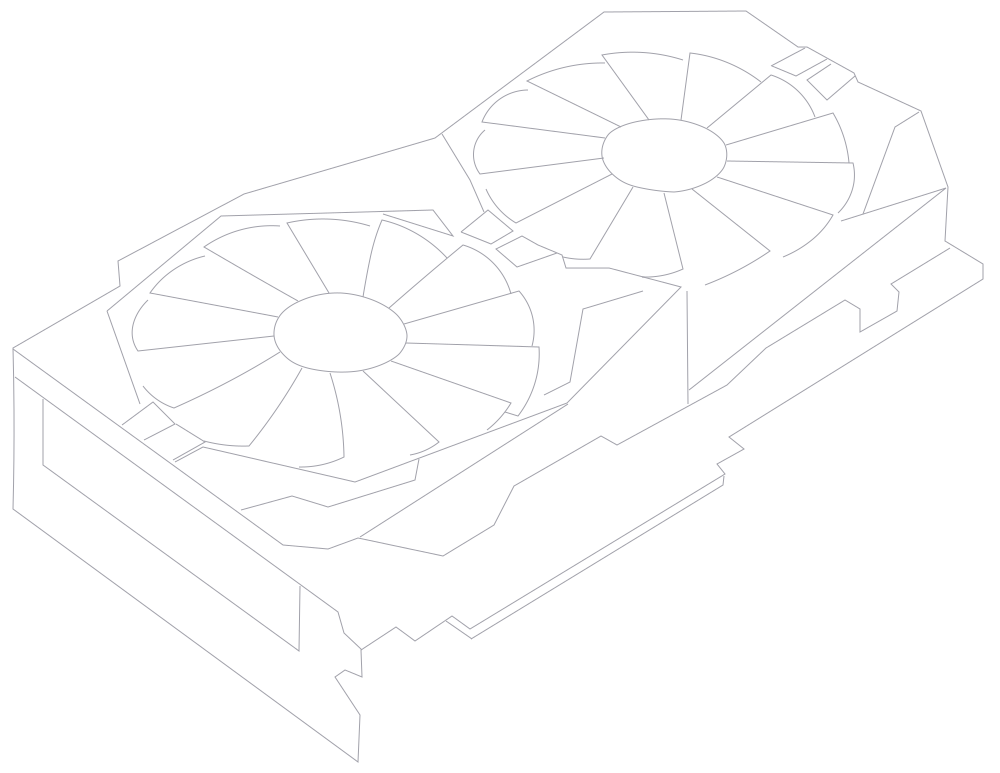
Keep demanding previews, effects processing, and rendering on your powerful desktop while controlling After Effects remotely from lightweight devices.
- ✓ GPU accelerated effects anywhere
- ✓ High-resolution compositions
- ✓ No project file transfers
Chromaport streams your creative workspace while your workstation handles rendering, processing, and storage.

Collaborate on Creative Projects
Share access to the same After Effects workstation without copying large project folders or synchronizing media libraries. Keep everything organized in one place.
- ✓ Share creative workspaces
- ✓ Review animations together
- ✓ Keep assets centralized
- ✓ Avoid large file uploads
- ✓ Ideal for studios and freelancers
Designers, editors, and clients can connect to the same environment and collaborate using the exact applications, files, and hardware configuration.
A Complete Motion Design Environment
Animate, composite, preview, and render projects using your own workstation while accessing Adobe After Effects from the device that fits your workflow.
Animate Freely
Create motion graphics and visual effects with your full After Effects setup.
Render Efficiently
Use your desktop GPU and hardware for demanding projects.
Stay Connected
Access your creative environment without moving large files.
Create Without Limits with Chromaport
Access your creative workstation remotely and keep building animations, visual effects, and motion graphics using the hardware and tools you already own.