
Edit Videos Anywhere with Premiere Pro & Chromaport
Access Adobe Premiere Pro remotely and continue editing from any device. Work with timelines, media, and projects while your workstation handles the heavy lifting.
Edit Videos Wherever You Work
Access your Adobe Premiere Pro workstation remotely and keep editing timelines, sequences, and media from virtually any device.
Professional Editing
Edit timelines, multicam projects, and high-resolution footage.
GPU Performance
Use your workstation GPU for playback and exports.
Adobe Workflow
Keep plugins, fonts, presets, and Creative Cloud assets.
Remote Editing
Continue editing from anywhere without moving projects.
Start Editing Videos in Minutes
Install Adobe Premiere Pro on Your PC
Install Adobe Premiere Pro on your workstation and keep your projects, media, plugins, fonts, and export presets exactly where they are.
Add Adobe Premiere Pro to your Chromaport application library to enable remote access.


Edit From Anywhere
Launch Adobe Premiere Pro from Chromaport and connect to your workstation. Your editing timeline, media, and tools are available instantly.
- ✓ Real-time timeline editing
- ✓ Smooth video playback
- ✓ Access all media files
- ✓ Full Adobe Premiere Pro workflow

Professional Video Editing Anywhere
Keep your complete Adobe Premiere Pro editing environment on your workstation while accessing projects remotely through Chromaport. Edit timelines, trim clips, organize sequences, and review footage from virtually any device.
- ✓ Multi-track timeline editing
- ✓ Sequence and proxy workflows
- ✓ Keyboard shortcuts
- ✓ Professional editing environment
GPU Performance Without Moving Your Workstation
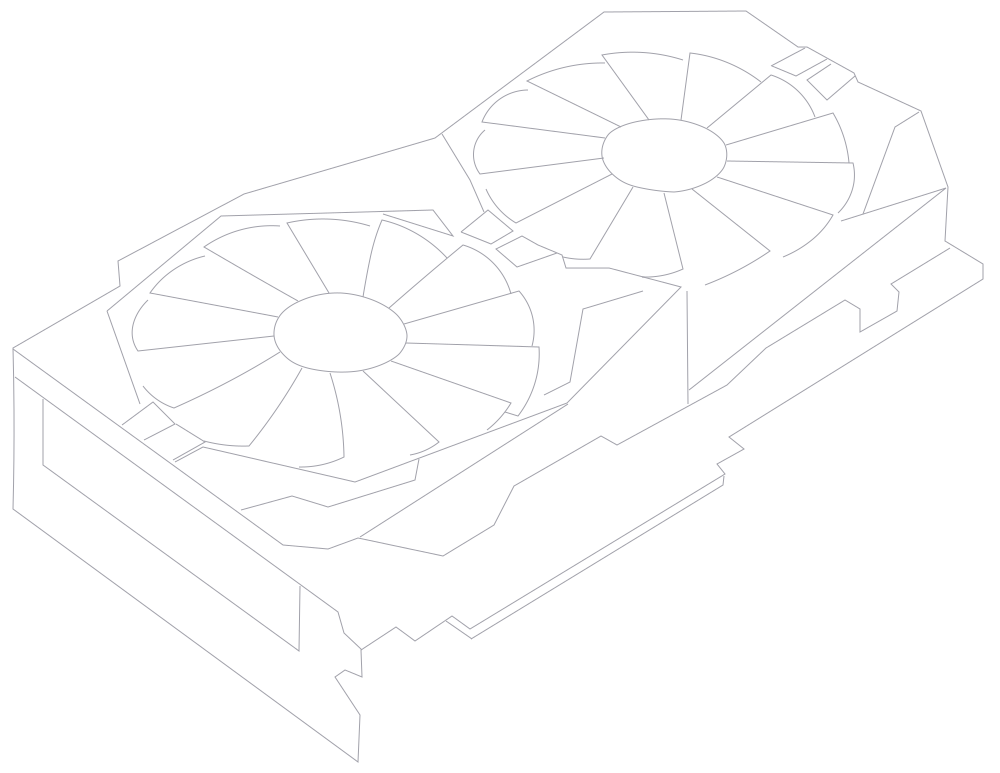
Use your desktop GPU for timeline playback, visual effects, hardware encoding, and exports while controlling Adobe Premiere Pro remotely from virtually any device.
- ✓ GPU accelerated playback
- ✓ Hardware accelerated exports
- ✓ Smooth editing of high-resolution footage
- ✓ Large project support
- ✓ Keep all media files locally
Chromaport streams only the Adobe Premiere Pro interface while your workstation performs all processing, allowing you to edit demanding projects without carrying powerful hardware.

Share Video Editing Workspaces
Invite editors, producers, clients, or teammates to the same creative workspace without copying project folders or uploading media. Everyone works with the same applications, assets, and files stored on your workstation.
- ✓ Share workspaces securely
- ✓ Collaborate remotely
- ✓ Keep projects in one location
- ✓ No large media transfers
- ✓ Great for production teams and freelancers
Whether you're reviewing edits, making timeline changes, preparing exports, or gathering client feedback, everyone works on the same workstation using the same media.
A Complete Video Editing Studio Anywhere
Edit high-resolution videos, review timelines, export finished projects, and collaborate with your team— all from your own workstation through Chromaport.
Edit Anywhere
Access your Adobe Premiere Pro workstation from virtually any device.
Use Your GPUs
Keep rendering, playback, and exports on your powerful desktop.
Stay Productive
Continue editing without moving projects or media files.
Edit Videos Anywhere with Chromaport
Stream your complete Adobe Premiere Pro workstation to any device and keep creating wherever you are.