
Design with AutoCAD
from Your Workstation Anywhere
Access Autodesk AutoCAD remotely through Chromaport. Keep your CAD environment, drawings, libraries, and workstation performance available from any connected device.
Professional CAD Workflows Without Moving Your Projects
Keep your AutoCAD installation, DWG files, templates, custom settings, and libraries on your main workstation while accessing everything remotely through Chromaport.
Technical Drawings
Create and edit detailed drawings with your existing AutoCAD setup.
3D Modeling
Work with complex models using your workstation hardware.
Custom Environment
Keep templates, plugins, shortcuts, and preferences unchanged.
Large Projects
Avoid transferring heavy CAD files between devices.
Start Using AutoCAD Remotely
Install AutoCAD on Your Workstation
Keep your existing Autodesk AutoCAD installation, project files, plugins, fonts, and templates on your main computer.
Add AutoCAD to your Chromaport library and make your CAD workstation available remotely.


Design From Any Device
Launch AutoCAD through Chromaport and continue working on your existing projects without moving large CAD files.
- ✓ Access existing DWG projects
- ✓ Keep professional tools available
- ✓ Continue from your current workspace

Keep Your Complete CAD Environment
Your AutoCAD setup stays exactly where you built it. Chromaport gives you remote access to the same tools, files, and configuration.
- ✓ Access drawings from anywhere
- ✓ Keep custom libraries available
- ✓ Use existing plugins and extensions
- ✓ Avoid manual file transfers
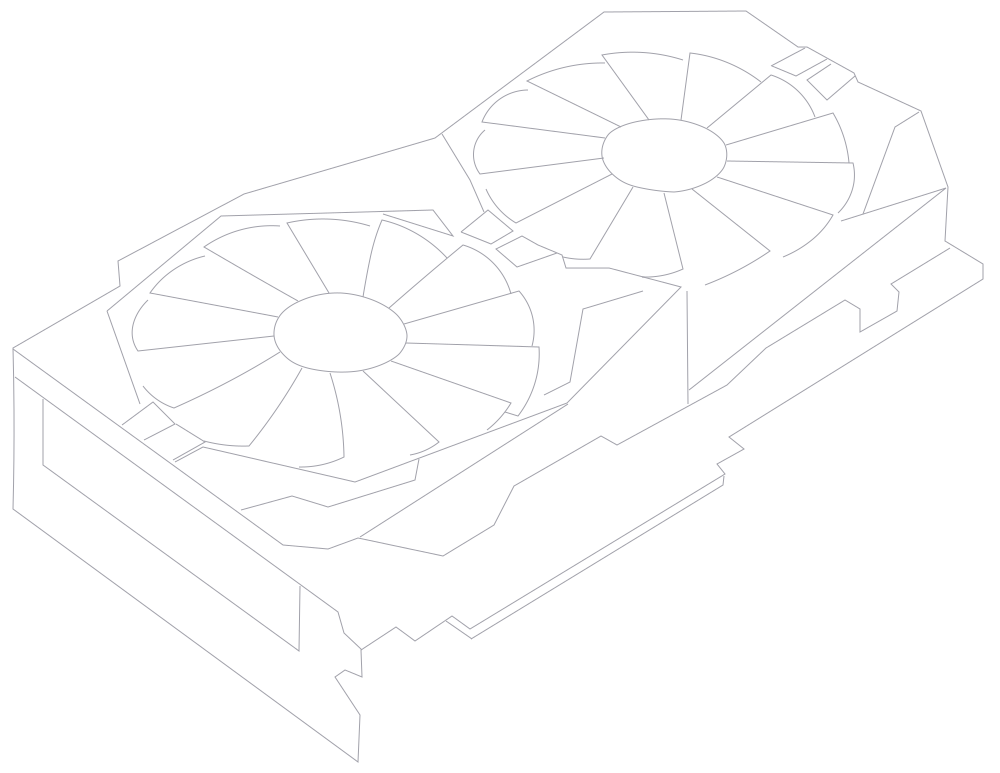
Use Your Workstation Power for Complex Models
Large assemblies, detailed models, and demanding CAD workloads stay on your powerful workstation while Chromaport streams your design environment remotely.
- ✓ Use your existing GPU
- ✓ Keep high-resolution displays
- ✓ Handle complex models remotely
- ✓ Preserve your optimized setup
Your hardware stays where it belongs. Chromaport simply gives you access to the performance you already own.

Collaborate Without Moving CAD Files
Share access to the same AutoCAD workstation without copying large project folders or synchronizing design libraries.
- ✓ Shared design environment
- ✓ Centralized project files
- ✓ Same tools and settings
- ✓ Better remote collaboration
Design Without Limits with Chromaport
Access your AutoCAD workstation remotely and continue creating technical drawings, models, and engineering projects using the tools and hardware you already own.