
Create 3D Content Without
Being Tied to Your Workstation
Access Autodesk Maya remotely through Chromaport and keep your complete 3D production setup available from laptops, tablets, and other devices. Your workstation handles the demanding work while you stay connected to your projects.
Keep Your Maya Workflow Connected
Turn your existing workstation into a remote 3D production environment and access your models, scenes, tools, and creative applications without moving heavy files.
3D Production
Work with complex scenes, assets, and animation projects.
Workstation Power
Use your desktop hardware for demanding creative tasks.
Remote Access
Connect to your Maya setup from lightweight devices.
Team Workflows
Share access to the same creative workspace.
Connect Your 3D Workspace in Minutes
Install Maya on Your Workstation
Install Autodesk Maya on your main workstation and keep your existing scenes, plugins, scripts, textures, and production tools exactly where you normally use them.
Add Maya to Chromaport and prepare your workstation for secure remote access.


Create From Your Connected Devices
Launch Maya through Chromaport and connect to your workstation. Continue modeling, animating, reviewing scenes, or preparing renders with your existing setup.
- ✓ Full Maya interface access
- ✓ Existing projects and assets
- ✓ Responsive remote controls
- ✓ Workstation-powered performance

Professional 3D Creation from Your Workstation
Keep your complete Maya environment on your main PC while accessing models, scenes, animations, and production tools remotely through Chromaport. Your files and creative setup stay organized in one place.
- ✓ Handle detailed 3D scenes remotely
- ✓ Preserve your studio workflow and settings
- ✓ Avoid downloading large project files
- ✓ Keep production data on your main workstation
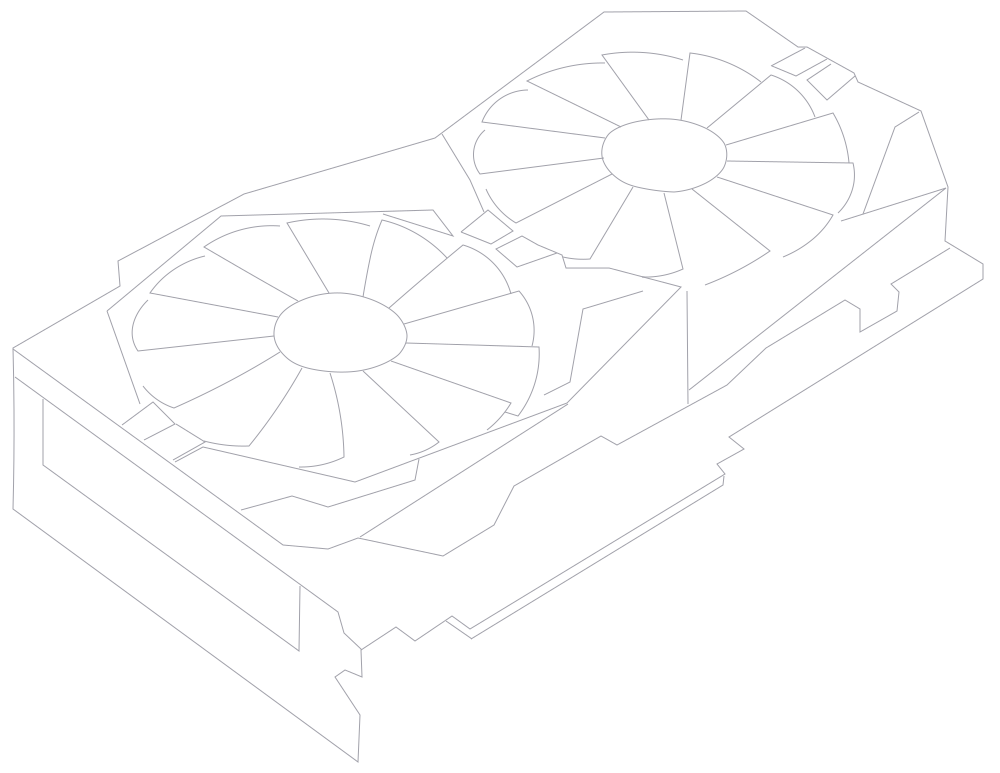
Use Your Rendering Hardware Remotely
Keep your powerful workstation handling simulations, rendering, and heavy 3D calculations while Chromaport streams your Maya environment to the device you are using.
- ✓ GPU accelerated rendering
- ✓ Arnold rendering workflows
- ✓ Complex scene processing
- ✓ No asset synchronization required
Work with demanding Maya projects without carrying a high-end workstation. Your hardware stays where it belongs while you stay connected.
Precise Control with Pen Input
Use your preferred drawing tablet or pen display while connected to your Maya workstation through Chromaport. Create and edit naturally with responsive input.
- ✓ Pressure-sensitive stylus input
- ✓ Sculpting and texture workflows
- ✓ Responsive pen interaction
- ✓ Supports professional tablets
Compatible with popular devices from:

Collaborate Inside the Same 3D Workspace
Share access to your Maya workstation without sending large scenes, textures, or project folders. Keep your team connected to the same environment and files.
- ✓ Shared creative workspaces
- ✓ Remote teamwork
- ✓ One source of project files
- ✓ No heavy file transfers
- ✓ Ideal for studios and freelancers
Review animations, adjust scenes, share feedback, or collaborate on production tasks while everyone works with the same workstation setup.
Your Remote 3D Production Setup
Access your Maya workstation, keep your professional tools, and continue creating detailed 3D content without being limited by the device in front of you.
Create With Your Setup
Keep your plugins, assets, and workflow exactly as configured.
Use Real Hardware
Let your workstation handle demanding 3D workloads.
Stay Connected
Access your creative environment whenever you need it.
Access Your Creative Workstation with Chromaport
Connect to your Maya setup remotely, use your own hardware, and keep creating complex 3D projects without moving your entire workstation.