
Continue Unity Development
with Chromaport
Access your Unity workstation remotely and continue building games, interactive experiences, and simulations without moving projects between computers. Chromaport keeps your development environment available from any device.
Keep Your Unity Workspace Connected
Use your existing Unity setup remotely while keeping projects, packages, assets, and development tools organized on your main workstation.
Scene Development
Edit scenes, objects, and environments using your full Unity setup.
Fast Iteration
Make changes quickly without moving large project files.
Workstation Power
Use your desktop hardware for demanding development tasks.
Remote Access
Connect to your development environment from different devices.
Start Developing in Two Steps
Set Up Unity on Your Workstation
Install Unity Hub and keep your projects, packages, plugins, source files, and editor settings exactly where you normally work.
Add Unity to your Chromaport application library and connect your workstation for remote access.


Build and Test Remotely
Launch Unity through Chromaport and connect to your workstation. Continue editing scenes, testing gameplay, and reviewing builds without changing your workflow.
- ✓ Full Unity Editor access
- ✓ Existing projects stay local
- ✓ Responsive remote controls
- ✓ Workstation-powered performance

Develop Without Moving Your Projects
Keep your Unity projects, assets, packages, and editor configuration on your main workstation while accessing everything remotely through Chromaport.
- ✓ Work with existing project files
- ✓ Keep packages and settings unchanged
- ✓ Avoid large project transfers
- ✓ Maintain your familiar workflow
Use Your Development Machine Remotely
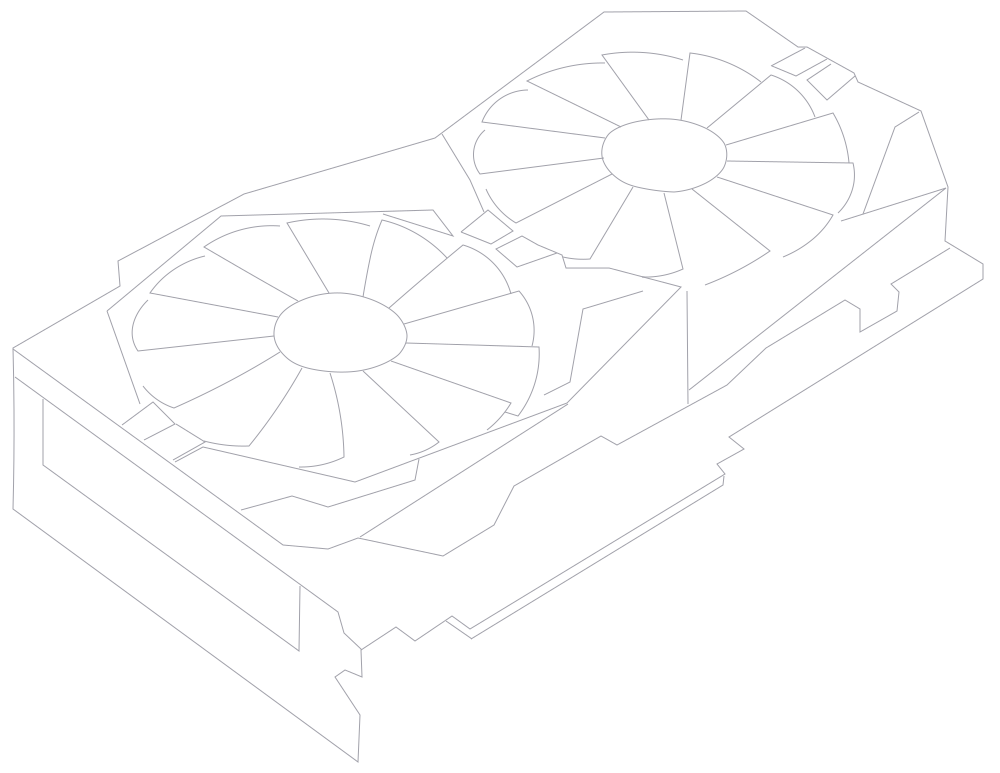
Let your workstation handle Unity compilation, scene processing, rendering, and heavy editor tasks while Chromaport delivers a responsive remote experience.
- ✓ GPU-powered editor performance
- ✓ Faster lighting and rendering tasks
- ✓ Access powerful desktop hardware
- ✓ No need for high-end remote devices
Continue working on complex Unity projects from laptops, tablets, or lightweight devices while keeping your main workstation responsible for processing.

Collaborate on the Same Development Setup
Share access to your Unity workstation instead of sending large project folders between team members. Everyone can work with the same files, tools, and environment.
- ✓ Share development workspaces
- ✓ Review scenes together
- ✓ Keep assets centralized
- ✓ Avoid duplicate project copies
- ✓ Built for remote teams
Whether you are testing gameplay, reviewing level changes, or helping teammates troubleshoot issues, Chromaport keeps everyone connected to the same development machine.
Your Unity Environment, Ready When You Are
Chromaport keeps your complete Unity workspace available without changing your existing setup, moving files, or carrying powerful hardware between locations.
Keep Creating
Access your Unity projects and continue development from different devices.
Use Your Hardware
Let your workstation handle demanding editor operations.
Stay Organized
Keep projects, assets, and tools together in one place.
Keep Your Development Workflow Connected
Chromaport gives you secure remote access to your Unity workstation so you can continue creating, testing, and collaborating without changing your setup.