
How to Play Palworld Anywhere
Using Chromaport
Access your Palworld world from your phone, tablet, laptop, or TV. Chromaport streams the game directly from your PC while keeping your saves, mods, and settings exactly where they belong.
Explore Palworld Without Being Tied to Your PC
Turn your gaming workstation into your personal Palworld streaming setup and continue your adventure wherever you are.
Your Existing World
Keep your saves, bases, captured Pals, and progress on your main PC.
Remote Exploration
Continue exploring islands, gathering resources, and completing tasks from any device.
Multiplayer Ready
Join your existing sessions and play with friends using your current setup.
No Large Downloads
Stream the game without moving huge worlds, updates, or installed files.
Start Playing Palworld in Minutes
Add Palworld to Chromaport
Install Palworld on your gaming PC through Steam and keep your existing worlds, mods, configurations, and game settings.
Add the game to your Chromaport library and prepare your workstation for remote access.


Launch Your Adventure Anywhere
Open Palworld through Chromaport and continue playing from another device while your gaming PC handles the performance.
- ✓ Your original save files
- ✓ Full game performance
- ✓ Existing settings and mods
- ✓ Real-time streaming controls
Play Palworld Beyond Your Gaming Setup
Your world does not have to stay in one place. Chromaport lets you access Palworld from lightweight devices while your main PC handles the game.
- ✓ Play on phones and tablets
- ✓ Continue your survival progress anywhere
- ✓ Keep your worlds stored on your PC
- ✓ Use the same settings and configuration
- ✓ No need to reinstall the game
Whether you are checking your base, collecting resources, managing your Pals, or exploring new areas, Chromaport keeps your complete setup available wherever you go.

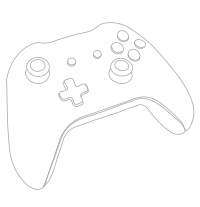
Play with Your Favorite Controls
Chromaport forwards your controller input directly to your gaming PC, giving you a comfortable Palworld experience on devices that are not built for gaming.
- ✓ Xbox controllers
- ✓ PlayStation controllers
- ✓ Bluetooth gamepads
- ✓ USB controllers
- ✓ Mobile and TV gameplay
Switch between keyboard, mouse, and controller depending on how you want to explore, build, and manage your world.
Access Your Palworld World From Anywhere
Your gaming PC stays at home while Chromaport securely connects your devices and streams Palworld wherever you are.
Your Progress
Keep your worlds, buildings, and collected Pals exactly where you left them.
Secure Connection
Access your PC remotely without moving files or exposing your game installation.
One Setup
Keep your complete gaming environment on one powerful PC.
Use Your Gaming PC Power Anywhere
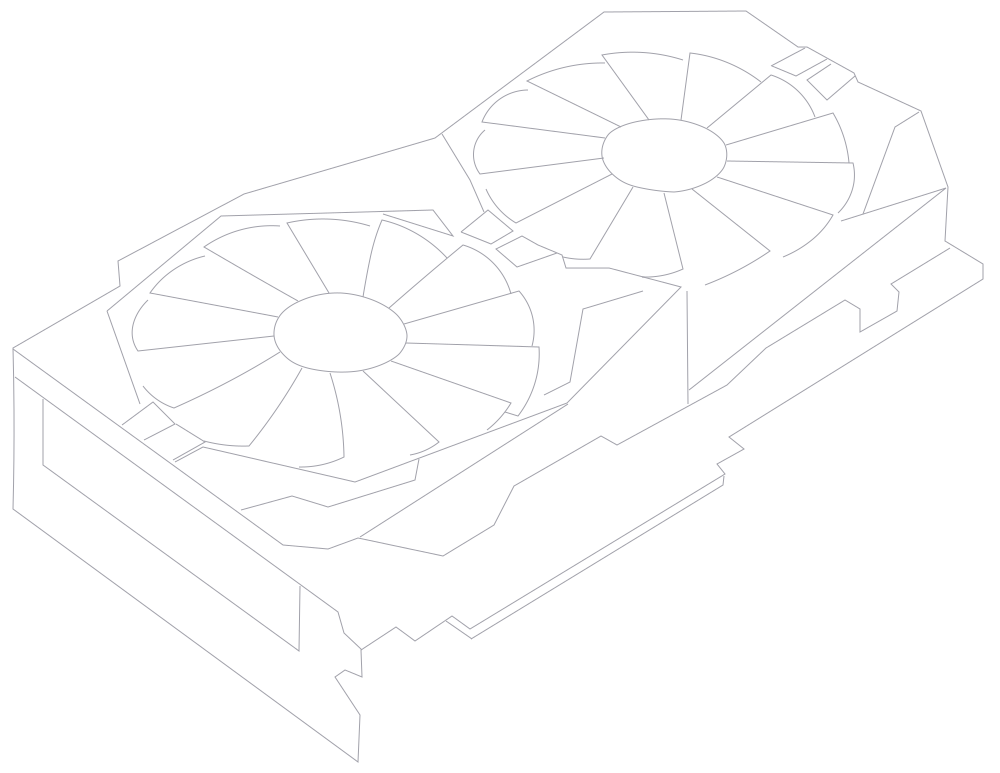
Palworld worlds can become large and demanding. Chromaport lets your main gaming computer handle the processing while you enjoy the game remotely.
- ✓ Use your existing GPU
- ✓ Keep high-quality graphics settings
- ✓ Avoid moving large installations
- ✓ Preserve your optimized setup
Your hardware stays where it belongs. Chromaport simply gives you access to the performance you already own.
Play Palworld Anywhere with Chromaport
Access your Palworld world from virtually any device. Keep your saves, settings, mods, and performance exactly where they are while playing remotely.