
Your PC.
In your pocket.
Turn your iPhone, iPad, or Android phone into a powerful remote workstation and gaming device. Access your desktops, creative software and PC games anywhere with Chromaport.
Built for Android & iOS
Take your desktop anywhere
Chromaport gives you secure access to your computers directly from your phone.
Launch games, edit creative projects, access development environments or simply continue your work from anywhere without carrying your desktop with you.
Play and create your way
Touch controls, controllers and desktop peripherals
Whether you're gaming, editing or working remotely, Chromaport adapts to the way you prefer to interact.
Use touch controls on your phone, connect a controller, or pair a keyboard and mouse for a complete desktop experience.
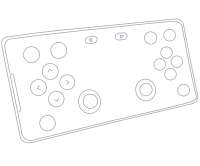
Customizable touch controls for mobile gaming
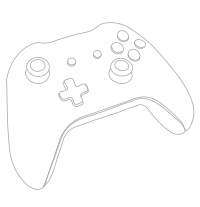
Xbox, PlayStation and Bluetooth controllers
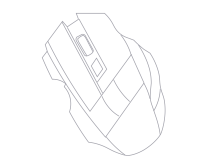
Keyboard and mouse for full desktop productivity
Built for responsiveness
Smooth remote experiences on mobile
Chromaport is optimized for low latency streaming, making games, creative applications and desktop work feel natural on Android devices, iPhones, and iPads.
Scroll, click, draw, edit or play with responsive controls designed for real-time interaction.

Mobile performance highlights

More than games
Access your complete desktop
Launch the applications already installed on your computer, whether you're opening Photoshop, Blender, Visual Studio, AutoCAD or your favorite PC games.
Chromaport gives your phone access to the same environment you use every day without copying files or creating a second setup.
Everything stays on your computer while your phone becomes the window into your workspace.
Launch desktop apps remotely
Keep projects in one place
Access games & creative software
Your PC does the heavy lifting
Keep the power. Carry only your phone.
Your desktop computer continues handling rendering, GPU acceleration, processing and storage while Chromaport streams the results directly to your mobile device.
- ✓ Use your existing GPU
- ✓ Keep demanding applications on your PC
- ✓ No file synchronization
- ✓ Access workstation performance anywhere
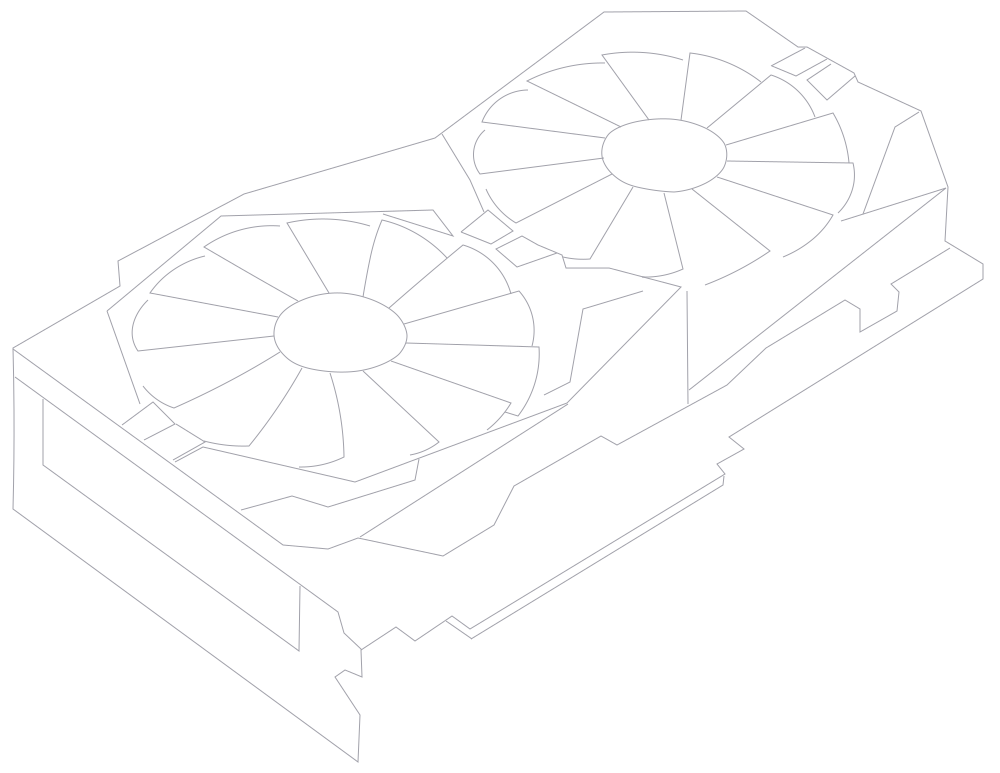
One platform. Two worlds
Built for gamers and creators
Chromaport combines high-performance streaming with desktop-class remote access, making it equally useful for gaming and creative work.
Work together from anywhere

Access devices. Share workflows. Collaborate anywhere.
Chromaport brings users and computers together in one workspace. Share access to devices, collaborate on projects, and stay connected wherever you are.
Invite teammates, assign permissions, and manage device access easily from your mobile device.
✓ Invite and manage users
✓ Control device access
✓ Connect multiple computers
Why Chromaport
Designed for demanding remote workloads
Mobile optimized
Designed for Android phones, iPhones, and iPads with intuitive controls.
Team Collaboration
Connect multiple users and computers in one workspace. Control who can access each device with flexible permission settings.
Low latency
Responsive controls for games and desktop applications.
High-quality streaming
Sharp visuals for creative work, productivity and entertainment.
How it works
1. Connect your PC
Install Chromaport and add your computer as a host.
2. Install mobile app
Open Chromaport on your Android or iOS device.
3. Choose your apps
Launch games, software or your desktop remotely.
4. Start using
Continue exactly where you stopped.
Your computer. Anywhere you go.
Access your games, creative tools and desktop applications from your Android phone, iPhone, or iPad with Chromaport.